
------------ everything you need ------------
Target Industries
Maintenance management software
choose the right one ------------
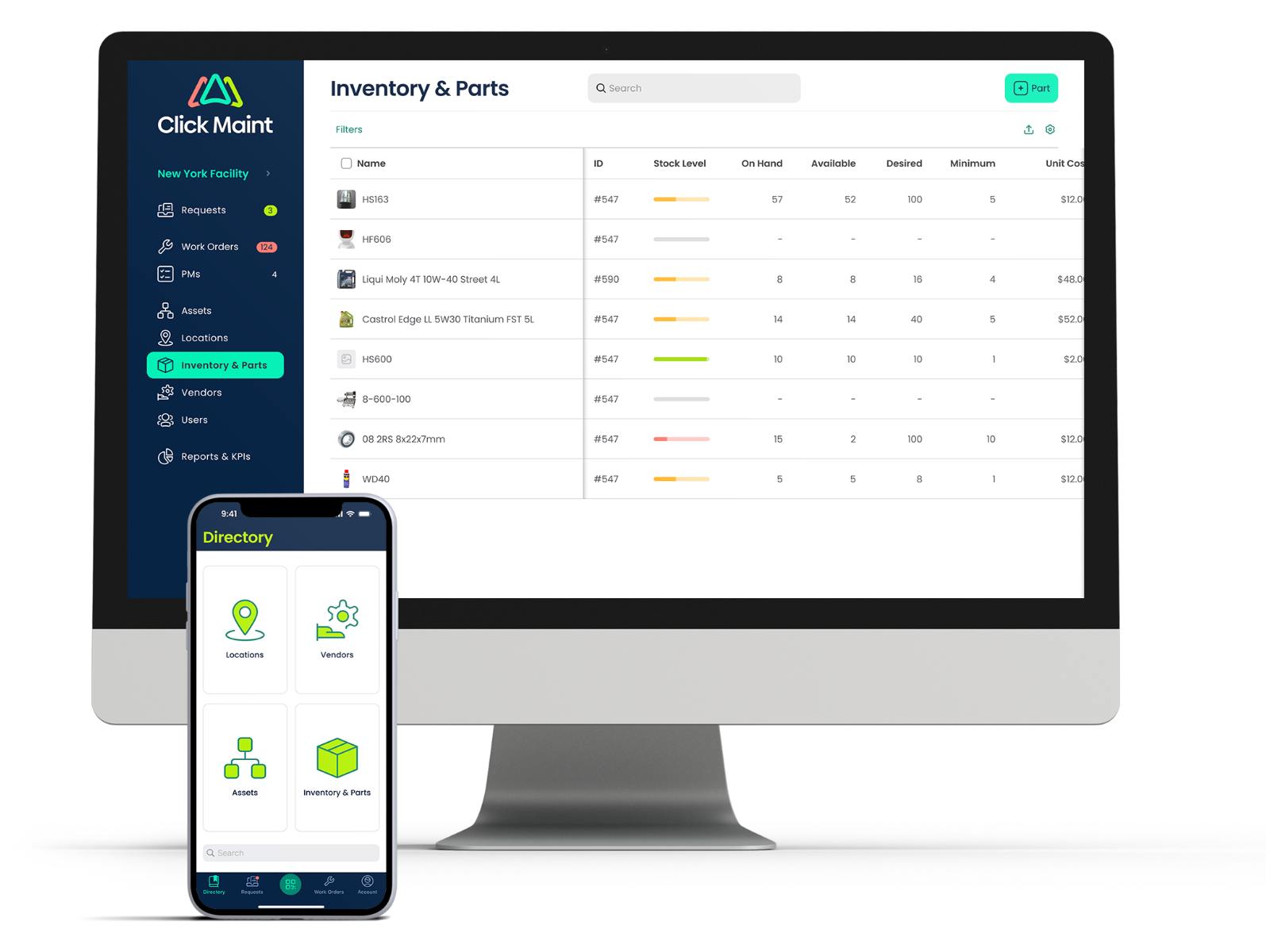
Inventory Management
- - Manage all work orders and requests in the field
- - Create and edit all incoming work orders and preventive maintenance tasks
- - Upload images and to work orders, requests and assets
- - Scan QR codes for work orders, assets, locations and parts
- - Get real time notifications for work orders and maintenance requests
- - Attach images and important documents
- - Generate reports on parts used, costs, stock levels
choose the right one ------------
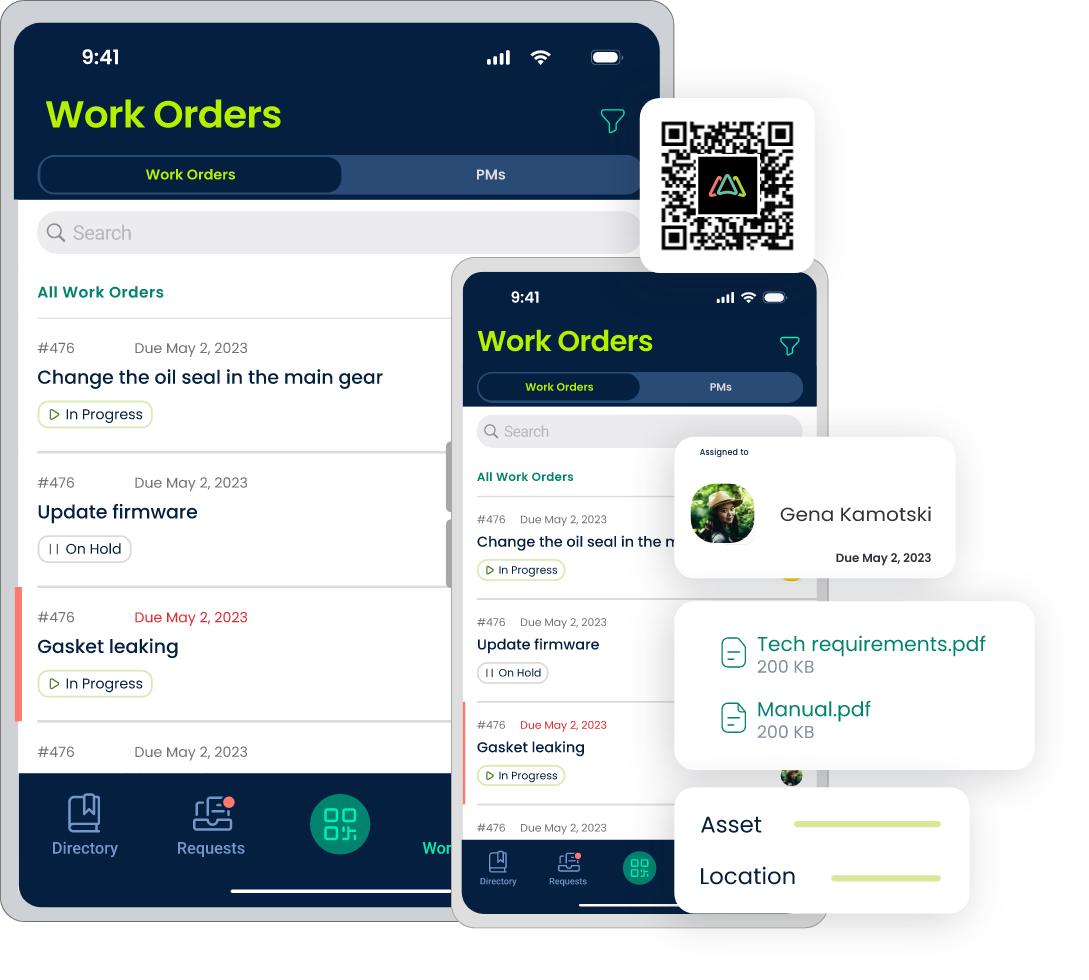
Mobile App
- - Manage all work orders and requests in the field
- - Create and edit all incoming work orders and preventive maintenance tasks
- - Upload images and to work orders, requests and assets
- - Scan QR codes for work orders, assets, locations and parts
- - Get real time notifications for work orders and maintenance requests
- - Add and update asset and inventory on the go
choose the right one ------------
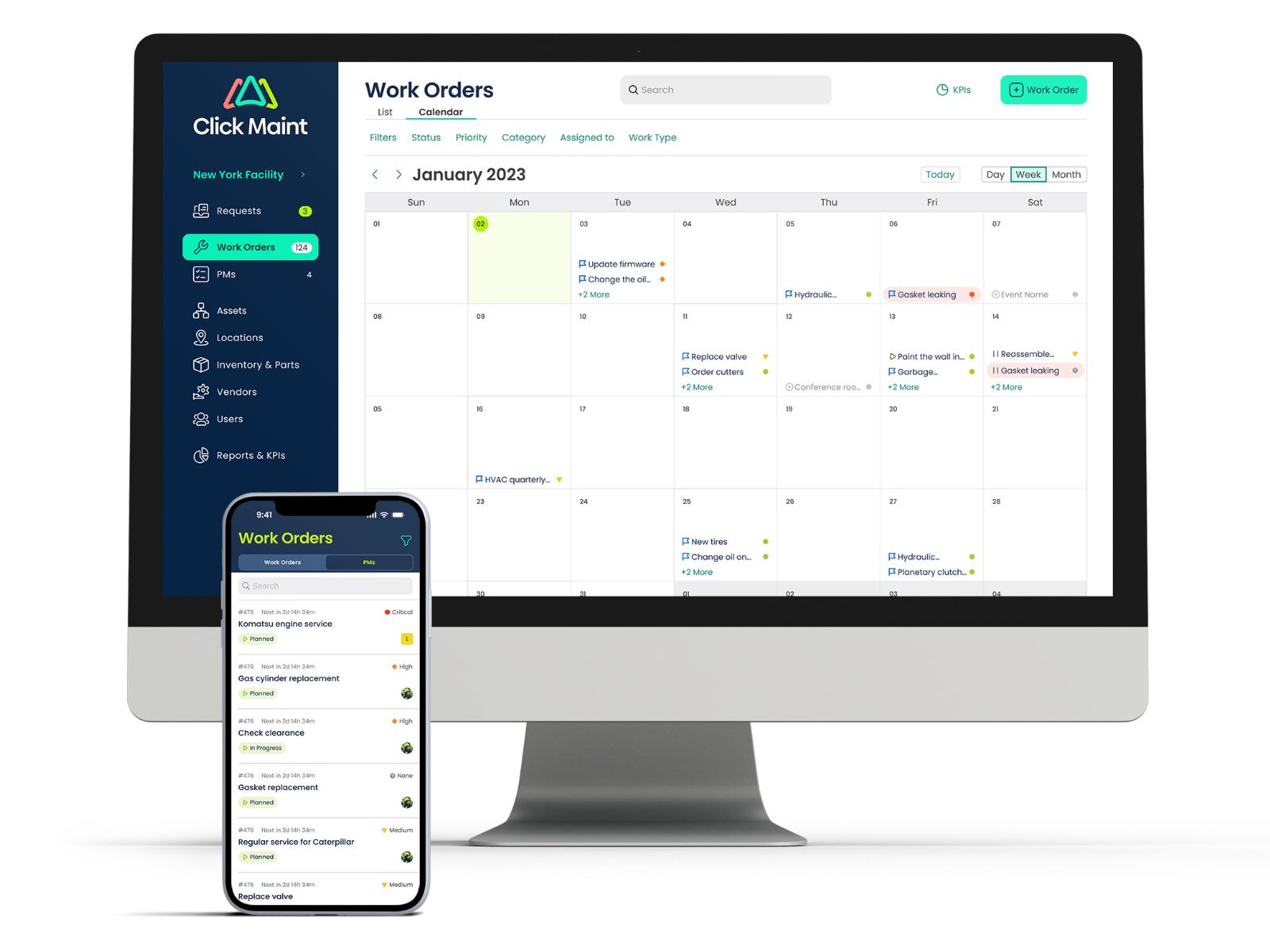
work order Management
- - Create and assign work orders
- - Associate work orders to assets, locations or both
- - Assign due date, priority and category
- - add task checklist for SOPs
- - Assign to technicians, teams or vendors
- - Track labor, parts and other costs
- - Attach images and important documents
- - Email notifications on work order updates
choose the right one ------------
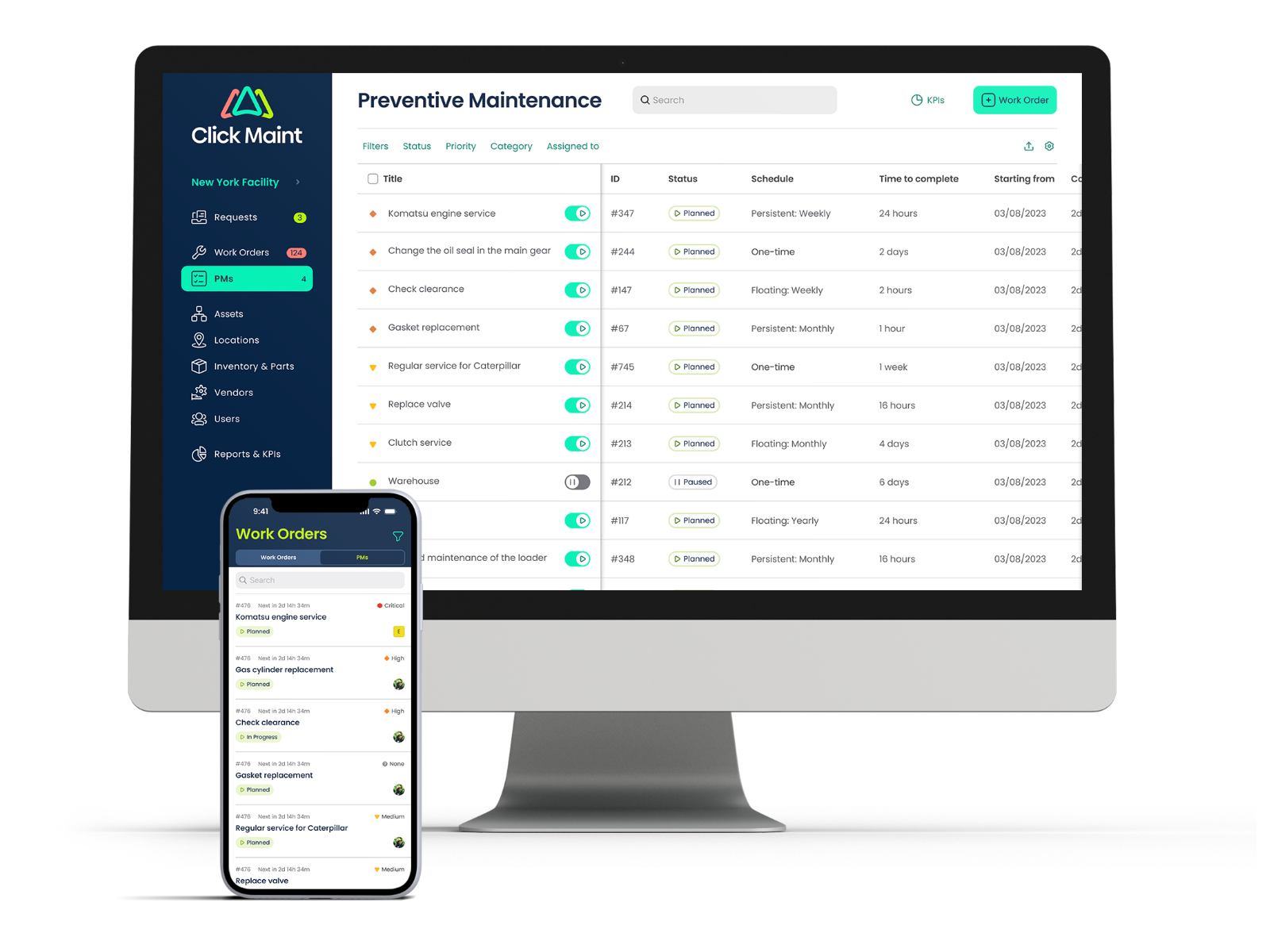
Preventive Maintenance
- - Flexible scheduling (hourly, daily, monthly etc.)
- - Associate PMs to assets, locations or both
- - Assign due date, priority and category
- - add task checklist for SOPs
- - Assign to technicians, teams or vendors
- - Track labor, parts and other costs
- - Attach images and important documents
- - Email notifications on work order updates
choose the right one ------------
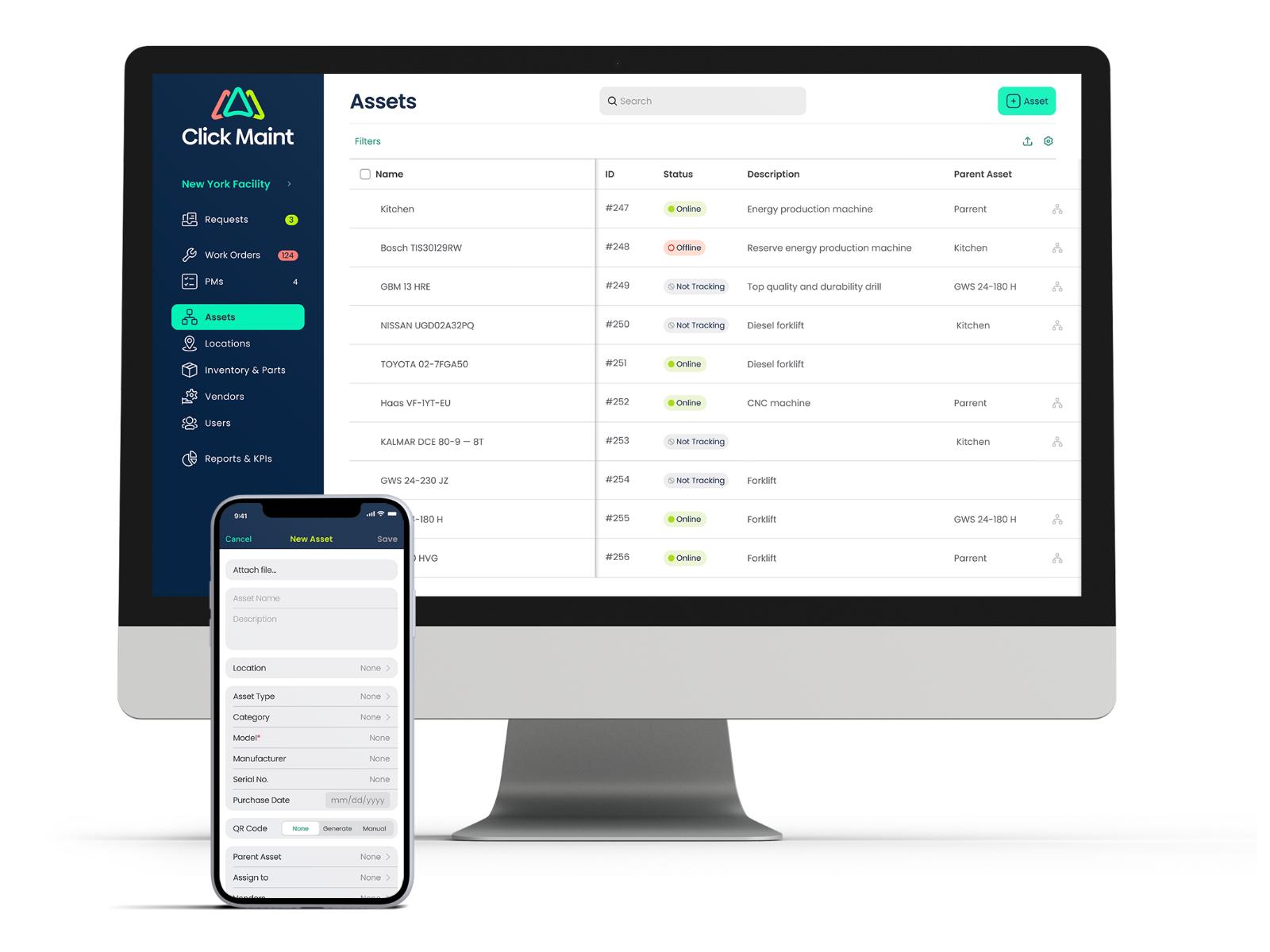
Assets
- - Track all key assets that need to be maintained
- - Monitor and report on asset downtime
- - Create asset hierarchy (parent, child)
- - Input key details (model, manufacturer, serial number, warranty)
- - Generate QR codes
- - Associate used parts
- - Attach images and important documents
- - Generate reports on maintenance history, costs, downtime and perfomance.